TServe
Time series serving for foundation models. Load models once, keep them warm, and forecast from any HTTP client or from Python.
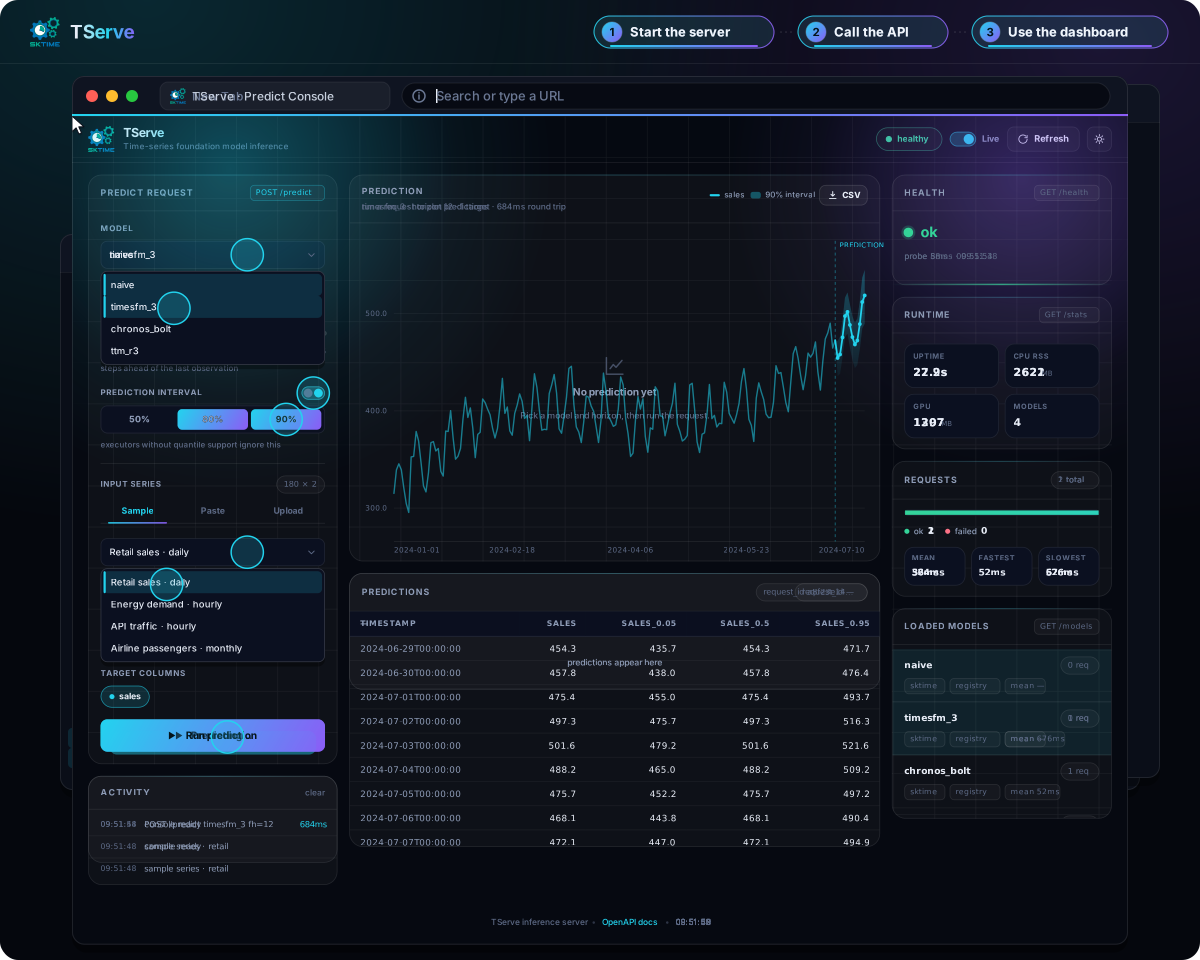
TServe is a server you run, not a hosted API. It loads named time-series models and exposes predictions through JSON, a type-preserving Python client, and a browser dashboard.
-
Run anywhere
Start with a Docker image, or install with UV or Pip. CPU and GPU options are available.
-
Choose your models
Serve Chronos, TTM, TimesFM, Moirai, Toto, TiRex, FlowState, Kronos, Mantis, and more.
-
Use your preferred client
Send JSON from any language, or preserve pandas, polars, pyarrow, and dict inputs with Python.
-
Keep models warm
Pay model download and load costs at startup instead of on every prediction.
Next steps
-
Quick start
Launch a server and send your first forecast.
-
Installation
Choose Docker, UV, Pip, or a source install.
-
Overview
What the server loads, and the shape of a predict request.
-
Model catalog
Find a model and its matching Docker tag or dependency extra.
-
Server
Configure model loading, CLI flags, saved models, and the dashboard.
-
Clients
Send forecasts over HTTP or with the Python client.